Vult Photo & video vault for iPhone

Some things are meant for no one else.

PhotosPrivate browserDownloads
Download on the App Store
What's inside

Everything you hide, sealed.

Hidden vault

Photos & video, out of the roll.

Move any photo or video into Vult and it disappears from your camera roll, locked behind your passcode and encrypted on device.
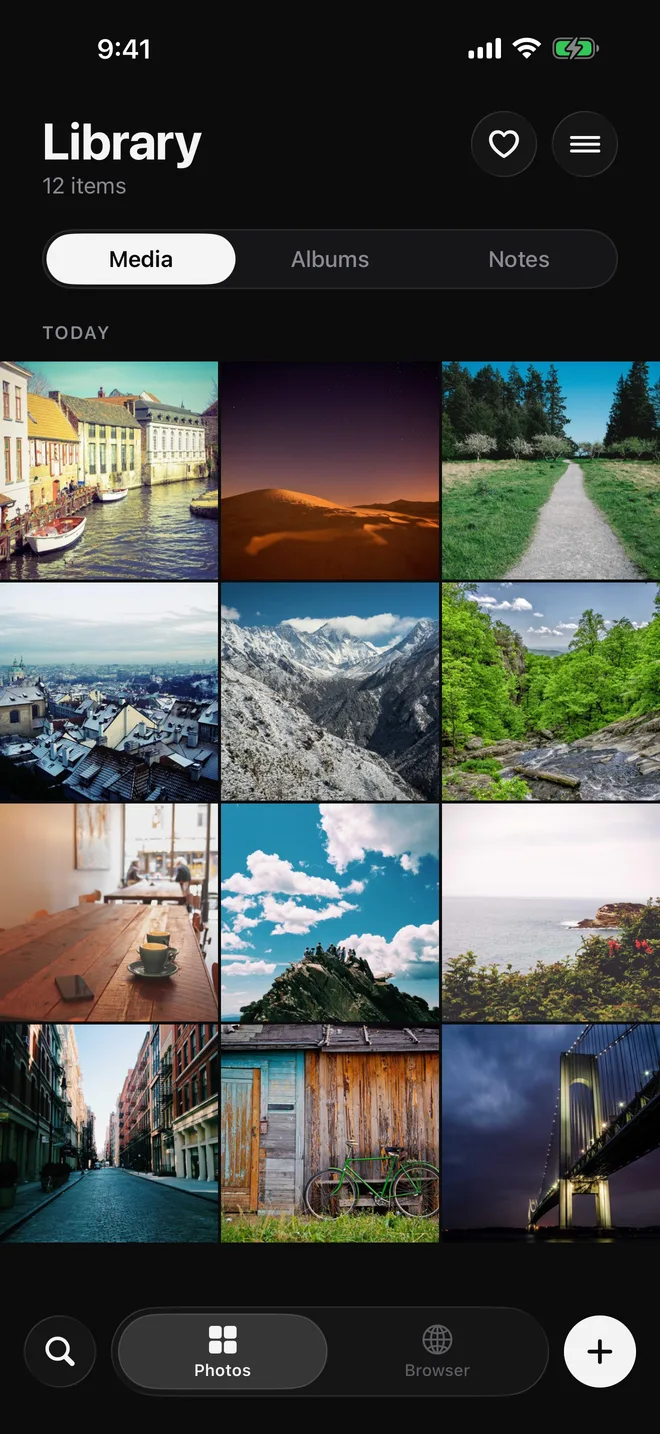
Vult's Library screen showing a grid of twelve photos, with Media, Albums and Notes tabs
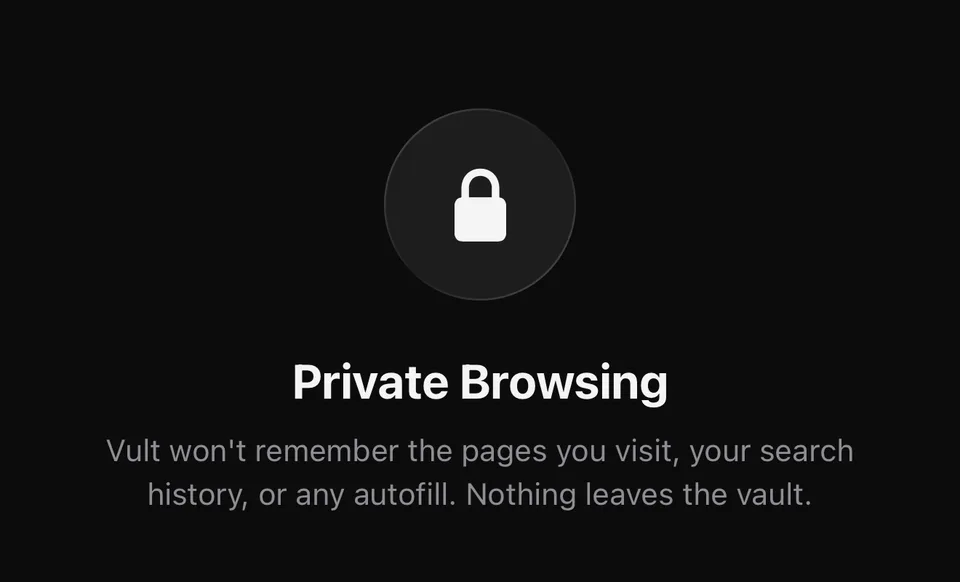
Vult's Private Browsing start screen, with a padlock and a note that pages, searches and autofill aren't remembered
Private browser

Browse, then save straight in.

Save images and videos straight into your vault while you browse with no history kept.

Encrypted backup

Backed up. Still unreadable.

Back up your vault as a .vult archive, sealed under its own passphrase. Your key never leaves your phone. Not even we can look in.

Private browser

Browse privately. Keep what you find.

A built-in browser that keeps no history, cookies or cache. Find a photo or video worth keeping and save it straight into your encrypted vault. No camera roll, no cloud you don't control.
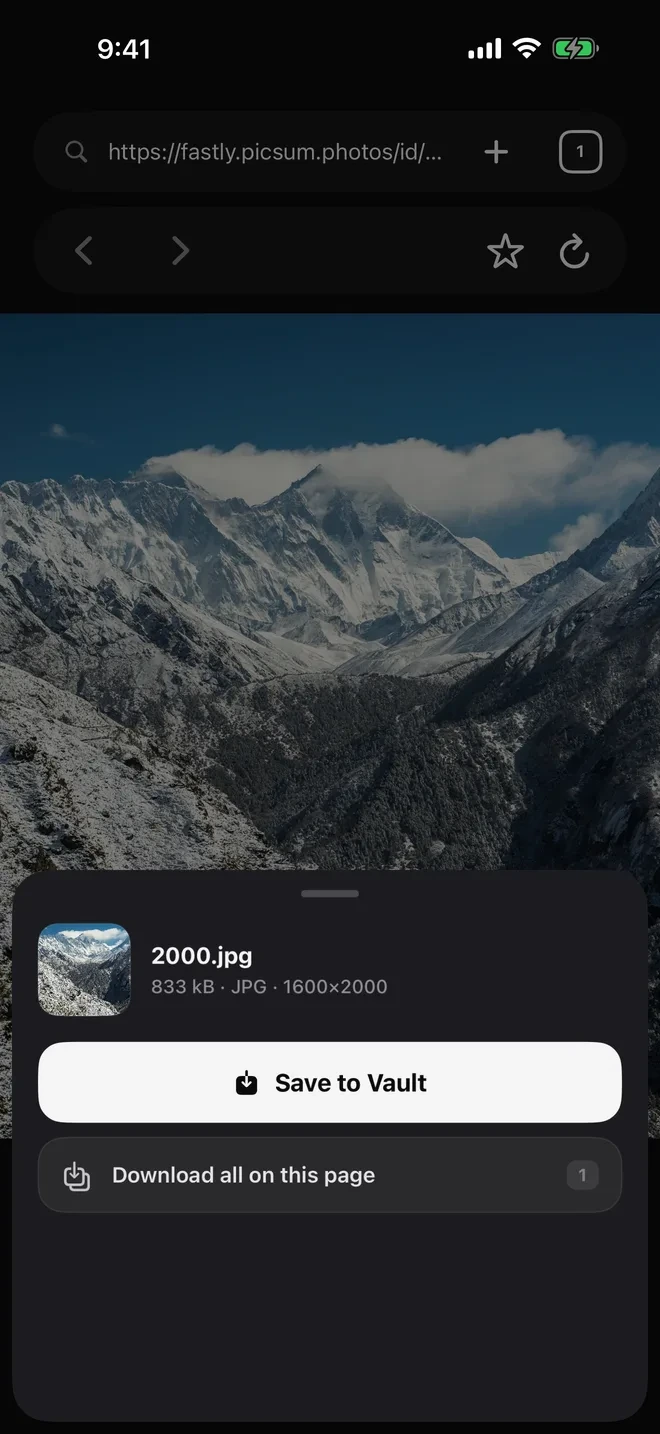
A photo open in Vult's browser with a Save to Vault button beneath it
No history keptNo history, cookies or cache are kept.
Saved behind your passcodeOpen tabs and favorites are encrypted inside your vault.
Saved straight inDownloads land encrypted in the vault, never in your camera roll.
Encryption

Your passcode is the key. Your iPhone is the lock.

Everything in Vult is sealed with AES-256-GCM, using a key that only your passcode and the Secure Enclave in your iPhone can unlock together.

Your passcodePBKDF2-HMAC-SHA256 · 100,000 rounds
This iPhoneSecure Enclave device secret
Vault keyAES-256-GCM
  • Photos
  • Videos
  • Files
  • Notes
  • Album & file names
  • Bookmarks & tabs
  • Break-in selfies
No passcode storedA wrong code simply fails to decrypt. There is no hash to steal and crack.
Bound to this iPhoneKeys never sync or restore elsewhere, so a copied backup can't be brute-forced on another machine.
A key per vaultYour real vault and decoy each get their own random 256-bit key, fully isolated.
Tamper-evident videoVideos are sealed in authenticated chunks that can't be reordered or swapped.
Strict Face IDEnrolling a new face or finger invalidates biometric unlock. No iPhone-passcode fallback.
Clock-proof lockoutEscalating cool-downs after wrong guesses, immune to changing the time. Optional auto-erase.
Encrypted backups.vult archives are AES-GCM sealed under a separate backup passphrase.
Nothing left behindDecrypted previews are wiped on lock, and the private browser keeps no cookies or cache.
Questions

Frequently asked questions

What is Vult?

Vult is a private photo and video vault for iPhone that encrypts everything on your device with AES-256, behind its own passcode.

How is Vult different from the iPhone Hidden album?

The Hidden album opens with Face ID or your iPhone passcode. Vult has its own passcode, and its Face ID unlock never falls back to your iPhone passcode.

Can someone who knows my iPhone passcode open Vult?

No. Vult opens only with the Vult passcode or your Face ID. If a new face or fingerprint is added to the iPhone, Vult asks for its own passcode before Face ID works again.

How much does Vult cost?

You can try Vult free for 14 days. Vult Pro is $2.99 a month, $19.99 a year or $39.99 once for lifetime access. If your subscription ends, you can still open and export everything in your vault.

What happens if I forget my Vult passcode?

It can't be reset. Vult has no account and no server, so nobody, including us, can open your vault or recover the passcode.

Does Vult upload my photos?

No. Vult has no account and no servers. You can make an encrypted backup file yourself and save it wherever you choose.

Yours alone.

The private vault for photos, video, and browsing, sealed behind one passcode, encrypted on your device.

Download on the App Store